Showing posts with label Tips and Tricks. Show all posts

How to get an Approved Google Adsense Account in 2 Hour?

Google Adsense is undoubtedly one of the best Ad network for bloggers and Web Masters but getting an approved adsense account was
never an easy procedure. However, those days are passed and now, You can get an Approved Adsense Account in 1 hour. Isn’t that
unbelievable? But it is true. In this post, I will show you "
How to get an Approved Adsense Account in 2 hours?"

  1. How to get an Approved Adsense Account in 2 hour ?
     You can get an Approved Adsense Account in 2 hours through the help of YouTube Monetization method. The whole
procedure is shown below:

        *  First of all, Create a New GMail Account. If you haven’t used your Old GMail account for Monetization then you
can also use your Old account as well. If your country is not supported by Adsense then choose a country like US and UK,
while creating New GMail Account.
        *  Login to your “YouTube” Account by visiting https://www.youtube.com
        *  Visit http://youtube.com/account_monetization
        *  Enable “Monetization” for your YouTube Account. The screenshot for doing the same is given below:

 
        *  After that, You will have to “Accept” all terms and condition. The screenshot of the same is given below:
   
        *  Finally, Click on “Monetize” Button. The screenshot of the same is given below:
                           
        * After doing that, You will receive an EMail in your Inbox.
        * Now, Upload a Unique video in your YouTube Account. While doing that, Don’t forget to add appropriate
description and Tags for videos. Wait for the upload to get completed. Once done, Publish it.
        * To associate an Adsense Account, Visit https://www.youtube.com/account_monetization and expand the topic
 “How Will I be Paid” and click on the link “Associate an Adsense Account“. The screenshot of the same is given below:                  

        * Now, You will be redirected to a screen, Where you will have to set up your Adsense Account. Click on “Continue
 button for filling your other details such as Address, Country, Payee Name etc

        * After clicking on “Continue” button, You will see the below given screen. Enter all details correctly.
        * After filling all details, Click on “Submit” button. Wait for 1-2 hours. You will get an EMail containing the
details of an Approved Adsense Account. Hurray….Hurray…enjoy.

  1. How to Use this Adsense Account for Displaying in your Blog and Website?
        * Login to your Adsense Account
        * Click on “Account Settings” or  “Paramètres du compte” option on Home Page. The screenshot of the same is given below:

        * Move to “Access and Authorization” section. You will find this section at the end of “Account Settings” Page.
        * Click on “Edit” link which appears next to “Only host sites are allowed to show ads for your account” option.

        * Remove the mark . The screenshot of the same is given below:
        * Finally, Create an Ad Unit and implement the code in your website.. Enjoy.

How Can You Know the Speed of Your Blog/Website?

the speed of blog is very important for any blogger, not only for visitors but in order to gain the trust of the search engines. Guest blog loved if they were light and fast loading, as well as search engine spiders like fast loading pages that do not consume precious time.You have to strike a balance between the content and speed of your blog to achieve a difficult equation.

First click on  Blog Speed Test Tool ,and do such as the below screen.
Note: After you click on check! wait some seconds to loading the page.
That is all. ;)

[Surprise] Get Google Adword Coupon €100 for FREE

Renewed Google's chance to take advantage of their offers beautiful, especially for owners of blogs and websites, where you can work free announcement in Google AdWord worth 20$ and up to the value to 135$, all you have to choose one links offers below, then you register by entering your namefull, Email through which will reach a free coupon.


 Here are the links, most of them are working:
https://services.google.com/fb/forms/couponsmenaen
https://services.google.com/fb/forms/rewolucjarequest
https://services.google.com/fb/forms/xsellcampaignnl
https://services.google.com/fb/forms/grcouponrequest
https://services.google.com/fb/forms/requestcoupon
https://services.google.com/fb/forms/couponsmenaar
https://services.google.com/fb/forms/jpawD6rhK8
https://services.google.com/fb/forms/royalmail09
https://services.google.com/fb/forms/agences100euro
https://services.google.com/fb/forms/awukemailRM
https://services.google.com/fb/forms/adwordscoupon
https://services.google.com/fb/forms/menacoupon
https://services.google.com/fb/forms/myawcoupon2
https://services.google.com/fb/forms/mainos
https://services.google.com/fb/forms/aquacoupon
https://services.google.com/fb/forms/stimulusin09
https://services.google.com/fb/forms/kelimeler
https://services.google.com/fb/forms/stimulusfr
https://services.google.com/fb/forms/twawcoupontest
https://services.google.com/fb/forms/updatenordicsda
https://services.google.com/fb/forms/cnawcoupon6
https://services.google.com/fb/forms/kbank
https://services.google.com/fb/forms/kupon
Enjoy!

How to Protect Your Adsense Account from Invalid Clicks

Perhaps the majority of Google AdSense publishers are subjected to the so-called illegal clicks and the reason is that some of the hate and envious are trying to cancel your adsense account by clicking on your ads several times or use a program that automatically  to close your adsense account then he feels happy , There are also ways like showing your ads on sites contrary to the terms of Google Adsense account , so in this post we will learn how to protect your adsense account from those invalid clicks that by reporting for it.

First fill up the invalid contact form. (look the screen )
After filling out the form click on submit.

How to Make Your Blog More Profitable by Speed Blogging?

 It is important to consider whether you are blogging productively or non-productively.

It is very common for bloggers that sometimes we would just spend a few hours to write a blog post. The longest time I had spent on writing a post was 5 hours. I understand that we wanted to write a post as informative as possible, structured the most beautiful story and tried to use the most appropriate words to explain what we want to say. But frankly, as a blogger, or even a professional blogger it could be a kind of non-productively work.

How to determine whether it is productive?
If you are a professional blogger and you generate income by getting people to your blog and read your stuff, then you must understand that your time is precious. In my own business, there are two things I have learned which is very important if you are trying to make money by blogging. They are…

Blog Daily. Tell others.
It is very easy to understand that we want to create some valuable content to attract more people to read our blog. It doesn’t mean that we should create as much informative content as we can, then more and more people will get in. It doesn’t work like this. Actually, the more work we should do and more time to spend is on Tell others

Of course today we are not going to discuss how to syndicate your blog or building backlinks. I want to talk about how you can shorten the time of writing by using Speed Blogging but at the same time you can still attract people or even more people than writing a post that is full of information.

How to structure a post by speed blogging?
There is a few ways you can construct posts really fast and at the same time arouse noise. Well at least you are writing something that are most of the people talking about.

Alex.com – What’s Hot
“Alexa is perhaps best known for the Alexa Rank - our website ranking system which tracks over 30 million websites worldwide. The Alexa Rank and other metrics allow site owners to benchmark their sites and give consumers, marketers and advertisers metrics to evaluate websites for media buying, partnerships, and other business opportunities.

Alexa's traffic estimates are based on a diverse sample of millions of worldwide internet users using thousands of different types of toolbars and add-ons for Google Chrome, Firefox, and Internet Explorer.”

Need not to emphasize the authority of Alex.com here. But not many people know that actually they can find the hottest topic on internet by accessing the Alex.com – What’s Hot. What you need to do is to go to http://Alexa.com/whatshot/ to find out the most popular topic that are on the web right now.
You can just choose a topic that you are interested to write about. Describe what it is happening, talk about how you feel or your opinions. Relate to your product if it is possible. Then a post can be easily composed and attract the most people at the same time. Remember, even you are attracting people who may not be interested into your niche, but the more traffic you get the higher your blog can be ranked in Google search result. That’s mean it eventually helps you to attract more people and let more people to be able to search your blog!!

YouTube Charts
Again, YouTube Charts is another channel you can find the most popular videos that people are watching in the world. You can simply find some videos that are popular, related to your niche and sometimes entertaining to post on your blog. Talk about the video, give some comments on it and add some related keywords on the post. Then you can compose a hot, may be entertaining and attractive post really quick. You can go to http://www.YouTube.com/charts to find those videos.

Some may say “I don’t want my blog to be entertaining, I want to be a professional, informative, serious and boring blogger.” Well, it depends on whether you want more people to know your stuff or you just want to bury your blog and only you know it is valuable. 

Of course I am not telling you to write some non-sense articles only to attract traffic. Try to find some topic that you can tweak a little bit so that it could be related to your business or your niche. That will be making sense so much more!!

Quote from others
Another really simple method that I always use is to quote from others. Most of the time you don’t need to write all the things by your own hand. You can quote other people’s stuff to fill with content. Just like the paragraph I write about Alexa.com above, I just quote it from the main site of Alexa.com. It can save you much time!! Or sometimes if you could find some good article on web or on Facebook, you could just quote a few paragraphs that you think it is interest or related to your niche. Again, write about how you feel, tweak a little bit to relate to your business. Then you can create another Speed Blogging post really quick!

Limit yourself to finish a post within 30 mins.
In my perspective, the best practice of writing blog is to limit yourself to write each blog post within 30 mins, so that you can finish 2 posts within an hour. You could write one more entertaining and the other one more informative. Then you can spend the rest of your time to do social syndication.

Of course it doesn’t mean that you can’t write something you really love or passionate about with more time. But you gotta bear in mind that this is not productive and thus it would become less profitable in your day. Or you may merely do this in your spare time.


Thank you for stay with me and read till here. I hope this information could really help. Let me know how you think about this!! Leave comments here and share it if you think this is cool.

If you want to know more about me, you can go to my personal blog here.


Guest Blogger  
Kirk Lau is an Internet Marketer located in Hong Kong. Teaching average people to earn an extra income by simple blogging, sharing on social media and using paid traffic strategies. You can go to Kirk Lau's Empower Network Blog to find out more information that he share!


How to Disable Copying Text From Your Blog?

Exclusive content is usually under the eyes of thieves, who steal these posts and articles without permission or even the source said, so I've written this post to stop this process.
1. Go to Blogger Dashboard > Template
2. Download a copy of your template
3. Now click on Edit HTML
4. Use Ctrl + F to find <head> and paste the following code after it.
<!--- www.bbloggertutorials.Blogspot.com Disable Copy and Paste-->
<script language='JavaScript1.2'>
function disableselect(e){
return false
}
function reEnable(){
return true
}
document.onselectstart=new Function (&quot;return false&quot;)
if (window.sidebar){
document.onmousedown=disableselect
document.onclick=reEnable
}
</script>
5. Save template.
That is it!!

How Do You Know the Price of Your Website or Blog?

Did you search about the price of your website or blog?, If you do not ; today you will try that, domainvalue.congland.com offers you this service for free, And You can knowing the level of your site if you are thinking of selling in the future.
The Website:
http://domainvalue.congland.com/
How do I use the site?
After entering the site, follow the image...
Facebook is valued at $44,281,127,214  :O
Google  is valued at $43,672,791,316 *.*
Now, tell me about value your site!

Grounds for refusal of Google Adsense to your request

Complain that many of the publishers of the service Google Adsense with reason non-acceptance of their demands and not to respond , and for this i put this post to alert you and explain the reasons for not accepting applications or even respond it, and this headnotes of the problems you are experiencing and facing  Adsense workers and an obstacle also to activate your account.

First: your address wrong and unformatted, for this to get away from title errors take your electricity bill and write what you find the address on the registration card with considerateness the sequence regions because it is important to receive payments and the security code PIN.
Second: the large number of requests and congestion, for this the response to your message will be difficult on the part of Google experts.

Third: you have enabled account with the same name of the payee and for this beware Google will closing your account because it scams.
Fourth: your site is not active and is not eligible for this service ,and for this you must before ordering put some posts on your blog/websites and revitalized as much as possible.
Fifth: your site has a Google Adsense by hosting and contains a lot of ads similar to Adsense.
Sixth: your site contains an abuse such as ( Adult content , Copyrighted material , Hacking and cracking content...etc. ) For more information about this , please read Prohibited content.
Seventh: and is a low probability, errors in the registry and registration is incorrect.

Please read AdSense program policies.

Good luck!!

Top 20 Best Free Blogger Templates

In a previous blog post touched on Top 10 Best Blogger Templates Sites 
and Today, I would choose you top 20 best free blogger templates for free download . You can give your blog that professional look by installing best free blogger templates and gain the confidence of visitors to your blog.
Top 20 Best Free Blogger Templates   

1. Sporty Magazine 2 Blogger Template


Live Demo         Download 

2. Template-dir Blogger Template


Live Demo         Download 

3. Johny Sompret Banget Blogger Template


Live Demo         Download 

4. Sensational Blogger Template


Live Demo         Download 

5. Lugas Blogger Template


Live Demo         Download 

6. Galauness Blogger Template

Live Demo         Download 

7. Johny Coba Dulu Blogger Template


Live Demo         Download 

8. 
Metro Blogger Template


Live Demo         Download 

9. Johny Simple Magazine 2  Blogger Template


Live Demo         Download 

10. Galleryzed BloggerTemplate


Live Demo         Download 

11. Responsive Templates

Live Demo         Download 

12. Blogsilve Blogger Template


Live Demo         Download 

13. Brown Gallery Press Blogger Template

Live Demo         Download 

14. Expand List Free Premium Blogger Template

Live Demo         Download 


15. Pinfinity (Pinterest Like) Blogger Template
Live Demo         Download 

16. Bresopnsive Blogger Template

Live Demo         Download 

17. Blogism Elegant Blogger Template
Live Demo         Download 

18. Grizzled 
Blogger Template


Live Demo         Download 

19. Facebook Blogger Template


Live Demo         Download 

20. 
Max Mag Blogger template


Live Demo         Download 

Uh, I'm really tired. XD
In the end I hope you enjoy and happy blogging. ;)

Top 10 Best Blogger Templates Sites


I'll show you today through my experience modest top 10 sites for Blogger templates, as we all know that the terms of the success of sites are consistency and aesthetic of template, so I'm going to show you this order:

1. Premium Blogger Templates

2. B Templates


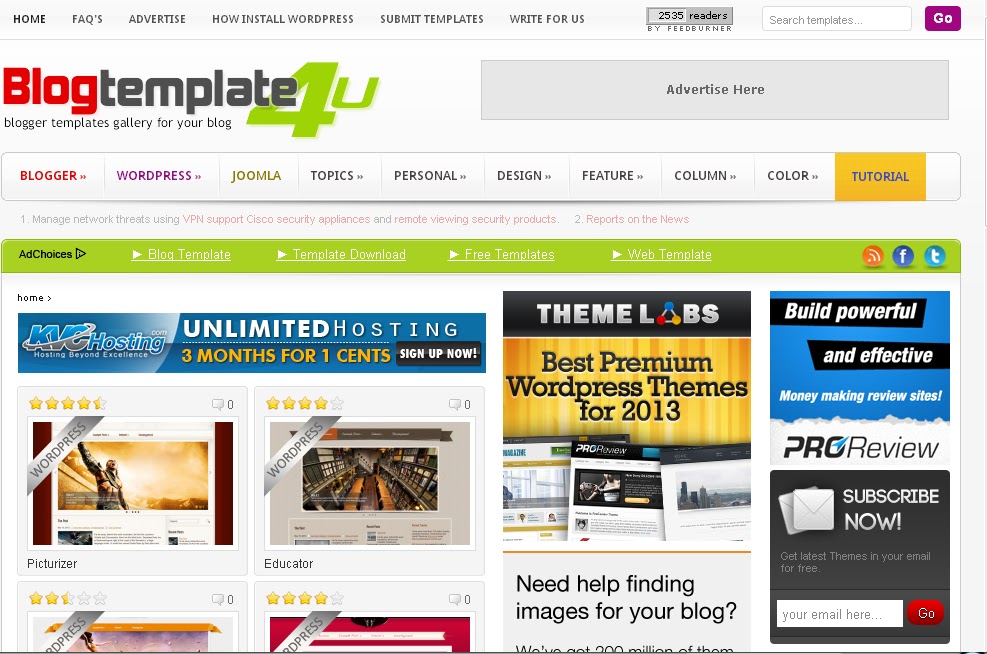
3. Blog Template 4u


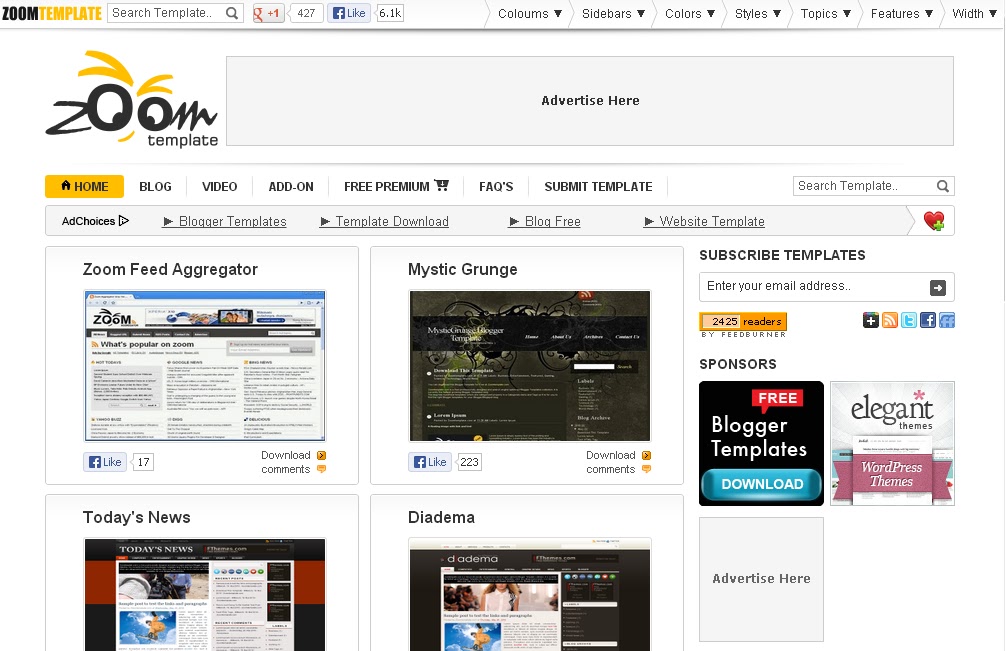
4. Zoom Template


5. Mas Template


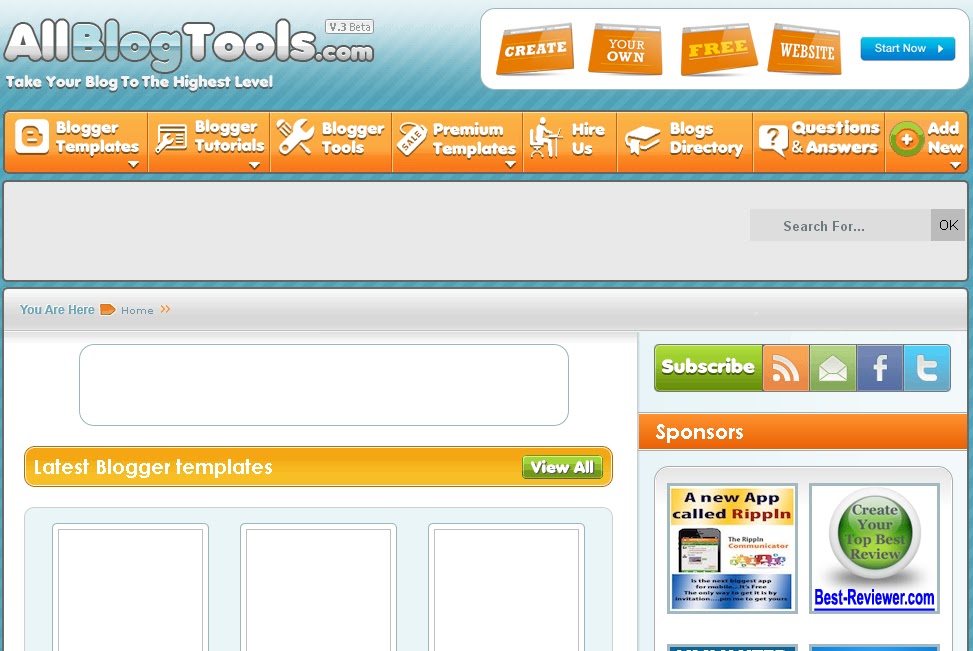
6. All Blog Tools 


7. Blogger Themes


8. Blog Crowds


9. Deluxe Templates


10. Best Theme


In the end I hope you enjoy.